No Cookie Analytics – By Arfa
Privacy-conscious, server-side WordPress analytics. No frontend cookies, no tracking scripts, no raw IP storage — just the numbers you actually check.
Server-side tracking
No raw IP stored
Configurable retention
Dashboard widget
CSV export
No Cookie Analytics runs entirely on your own server. There’s no JavaScript tracking snippet, no cookie banner to justify, and no third-party script loading on your front end — every page view is recorded server-side when WordPress renders the page, and reported back to you in a clean, self-contained dashboard inside wp-admin.
Who it’s for
Privacy-conscious site owners
Want basic traffic numbers without adding a third-party script or a cookie consent banner just for analytics.
Agencies & freelancers
Need lightweight, self-hosted analytics for client sites without spinning up a separate analytics account per client.
Content & marketing teams
Want per-post view counts, top referrers, and UTM campaign tracking right inside the post editor and wp-admin.
Key features
The dashboard
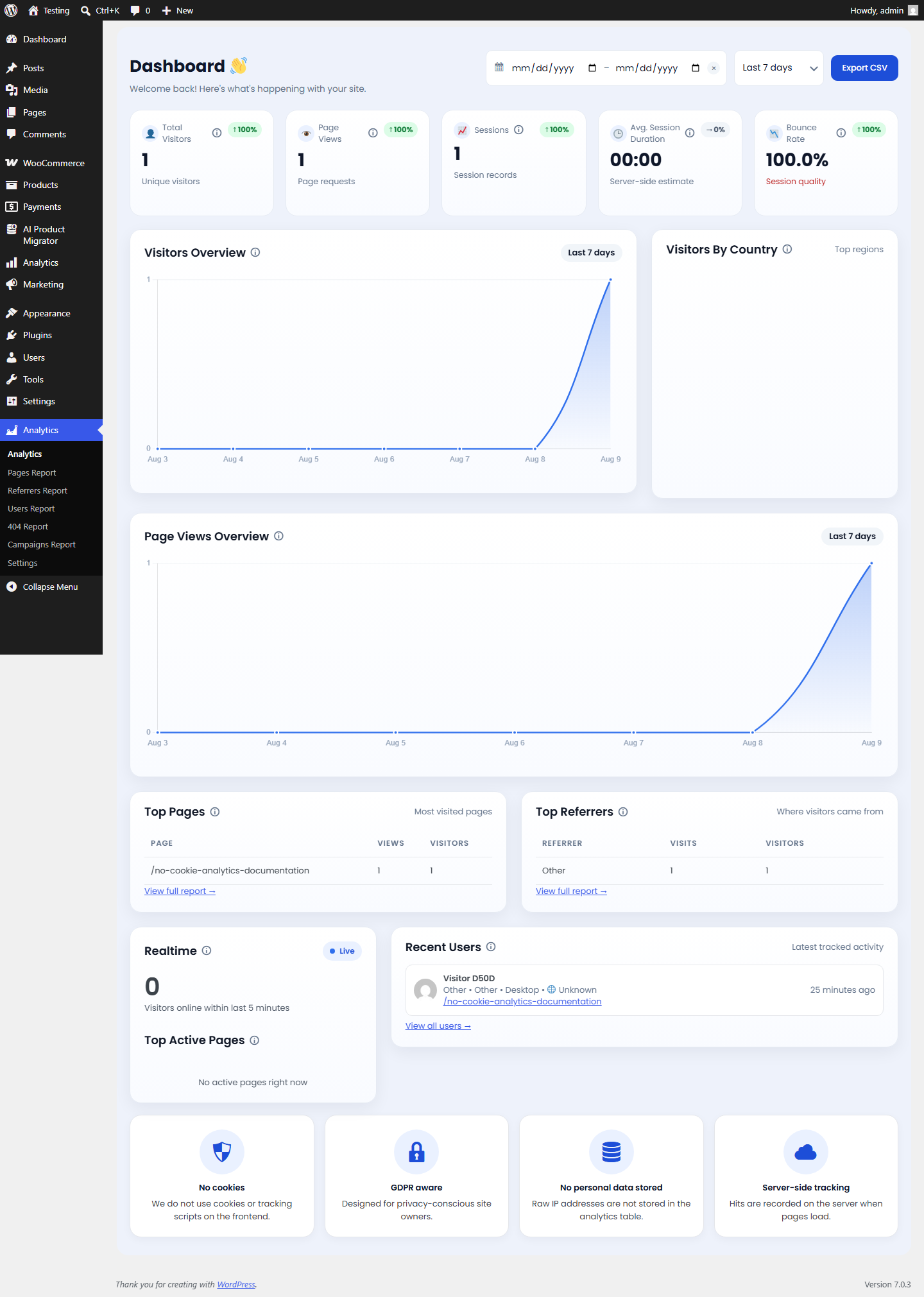
The main Analytics screen gives you a date-range picker (last 24 hours, 7/30/90 days, or a custom range) with CSV export, and:
- Five KPI tiles with period-over-period change indicators: Unique Visitors, Page Views, Sessions, Average Session Duration, and Bounce Rate.
- Visitors and Page Views trend charts, daily or hourly depending on the selected range.
- Visitors by Country, top 6 countries with flags.
- Top Pages and Top Referrers tables (top 5 each, linking to the full reports).
- Realtime card: visitors active in the last 5 minutes, plus which pages they’re on right now.
- Recent Users list: avatar and name for logged-in visitors, an anonymized “Visitor” label for guests, with browser, OS, device, country, page, and relative time.
A matching WordPress Dashboard widget shows a 24-hour quick view (visitors, page views, sessions, live count) without leaving your main wp-admin dashboard.
Five dedicated reports
Beyond the dashboard, each of these gets its own full screen:
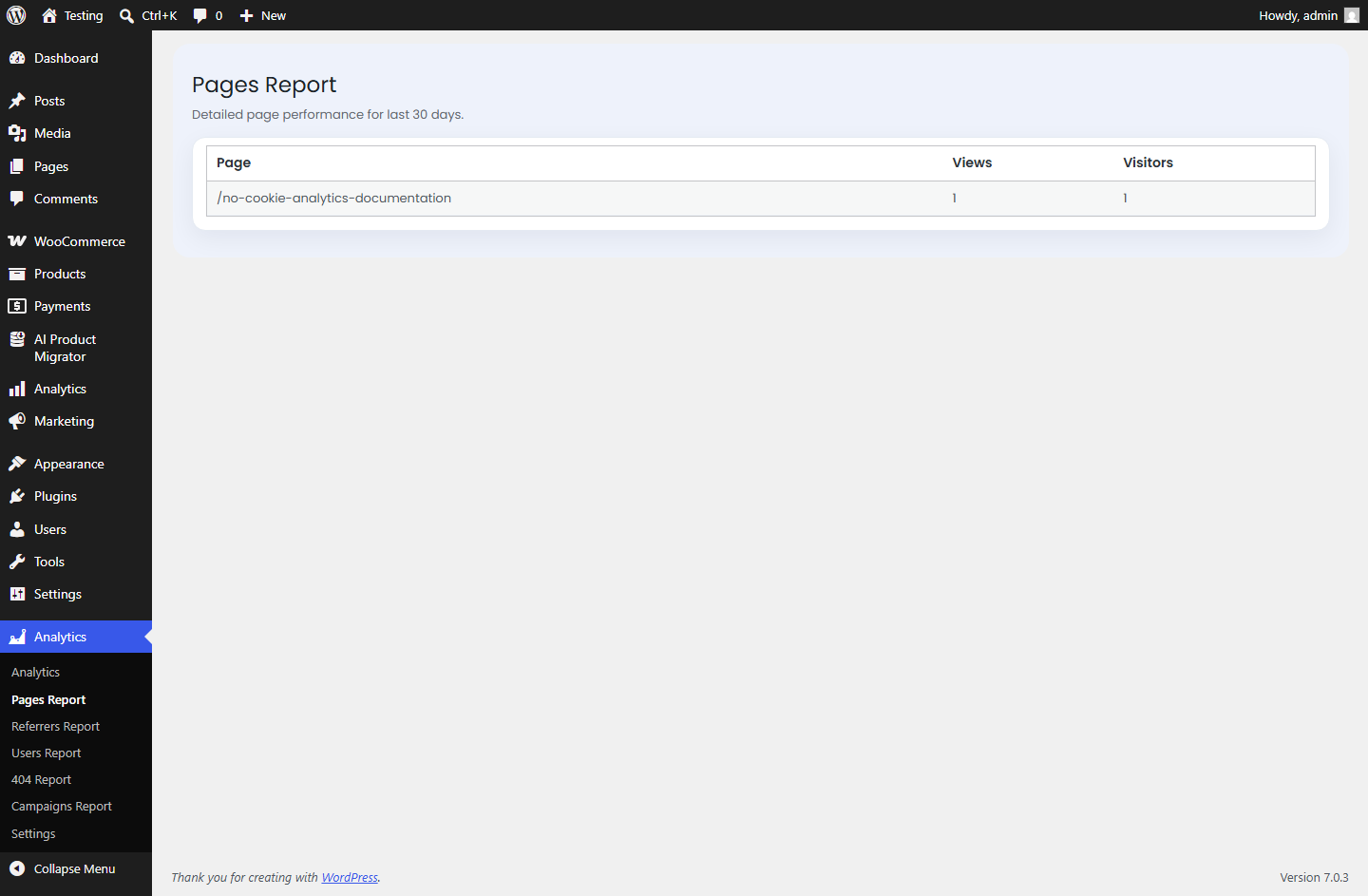
Pages Report
Every page/post by views and unique visitors, last 30 days.
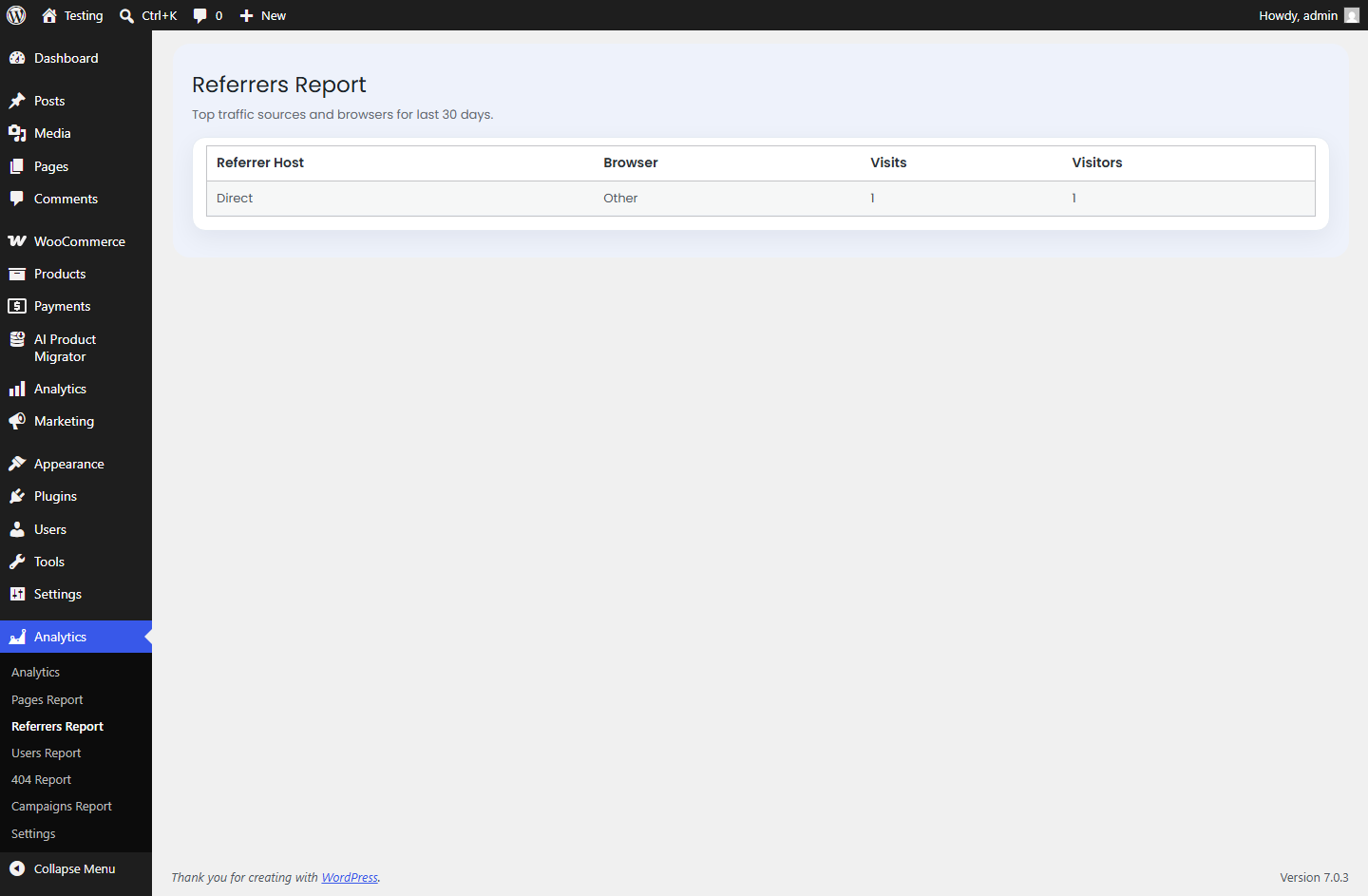
Referrers Report
Where your traffic is coming from, by referring host and browser, last 30 days.
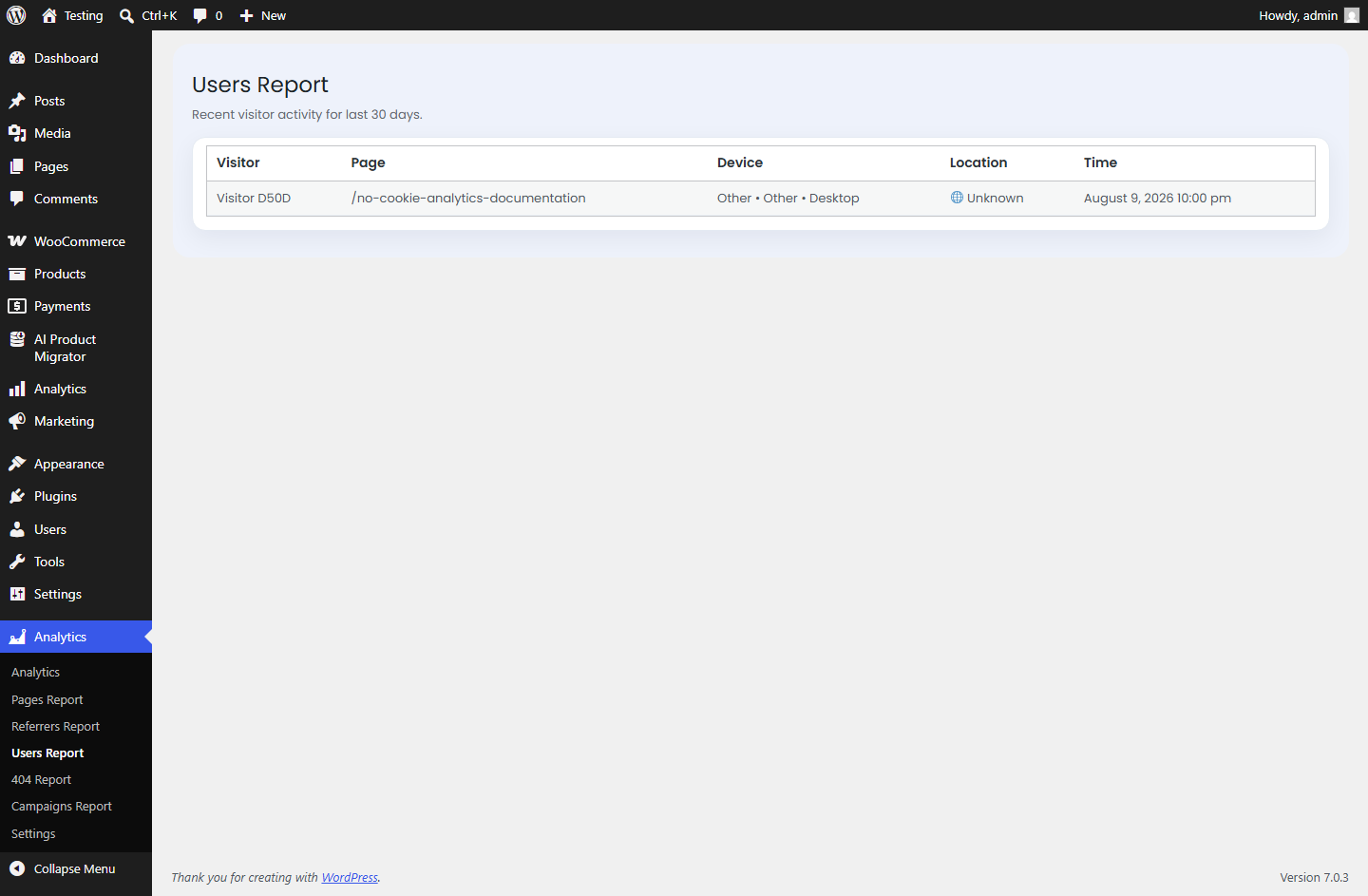
Users Report
A chronological hit log — visitor, page, device, location, and time — last 30 days.
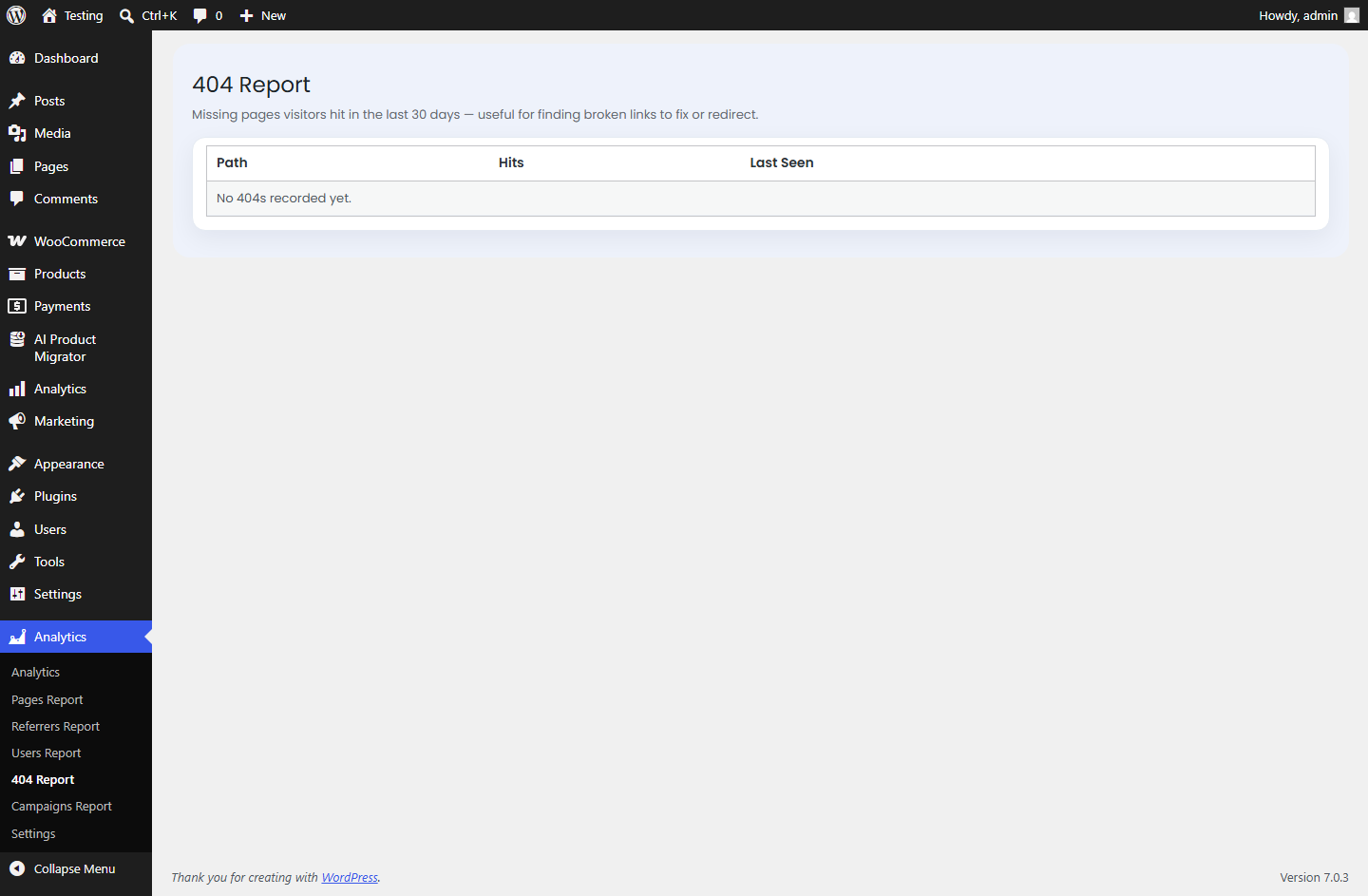
404 Report
Missing pages your visitors are actually hitting, with hit counts and last-seen time, so you know what to fix or redirect.
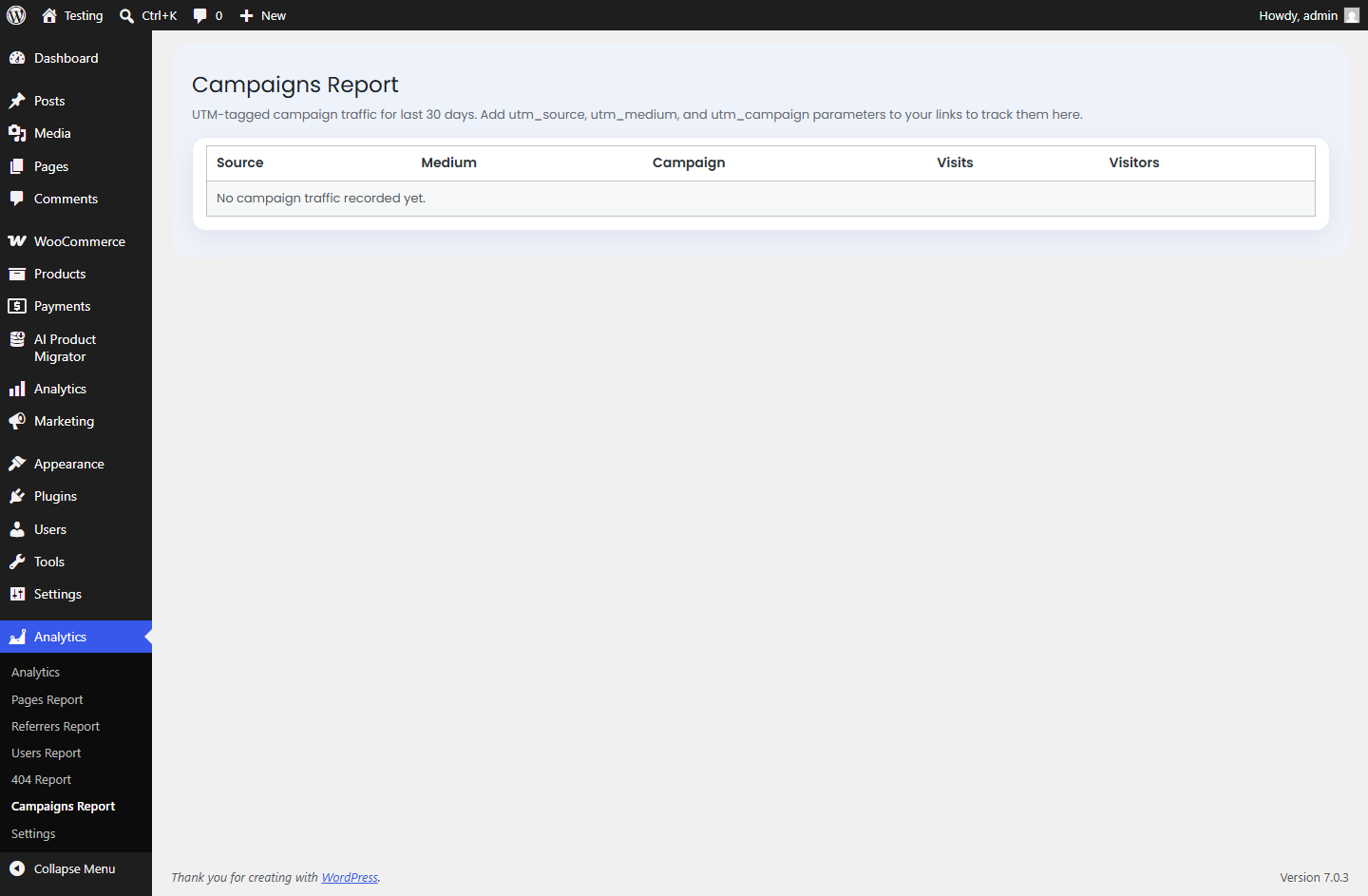
Campaigns Report
Traffic broken down by utm_source / utm_medium / utm_campaign — just add UTM parameters to your links to start tracking them here.
Per-post analytics, right in the editor
Every post and page gets an “Analytics” panel in the editor sidebar: total views, unique visitors, a 30-day trend badge, a 14-day sparkline chart, and its top 3 referrer sources — so you can see how a specific piece of content is performing without leaving the editor.
Built around privacy from the ground up
No frontend footprint
There is no tracking script, pixel, or cookie on your site’s front end. Tracking happens server-side while WordPress renders the page.
No raw IP addresses stored
Visitor IPs are hashed (salted SHA-256) before anything is written to the database — the raw address is never saved.
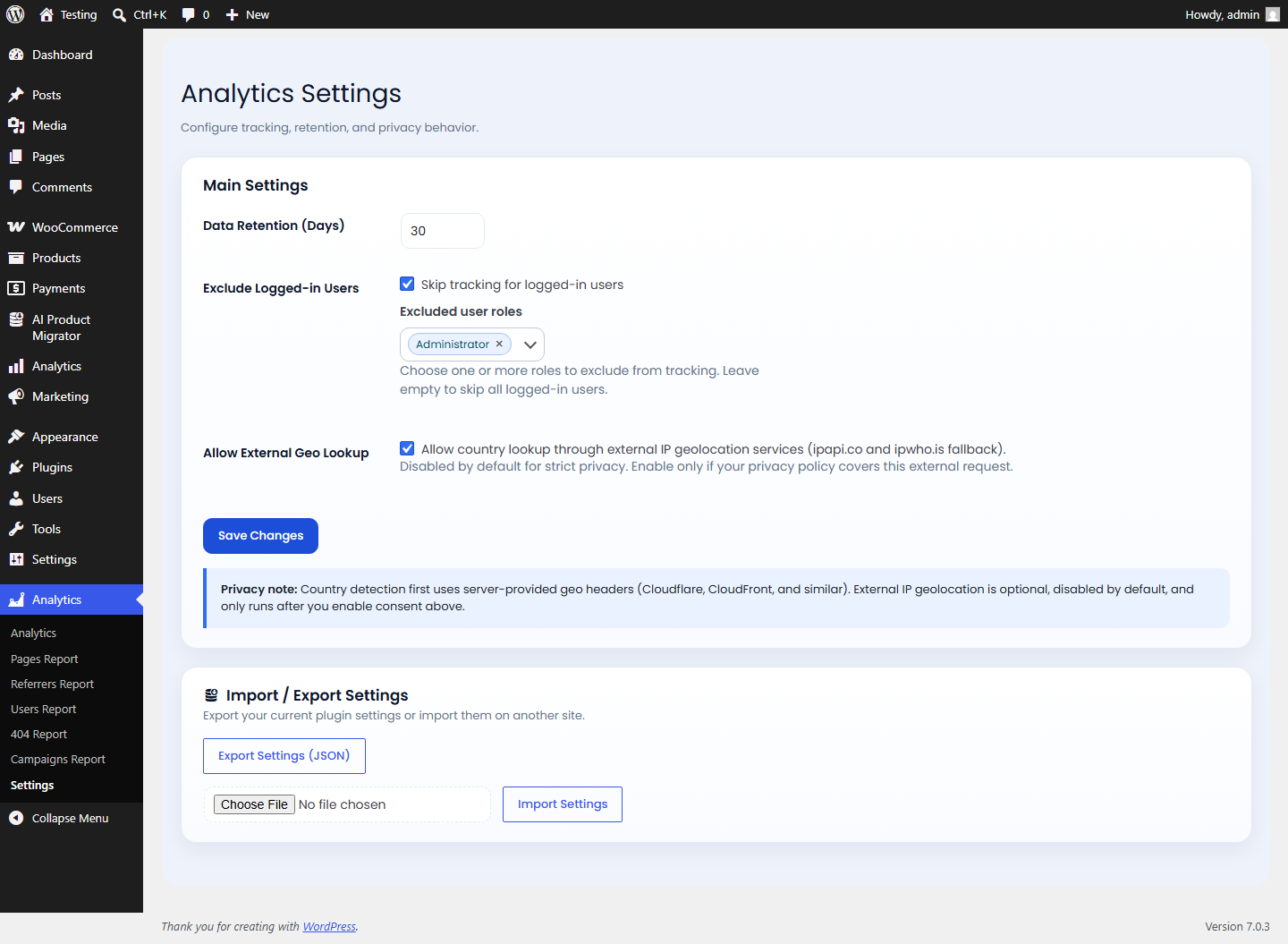
Geolocation is opt-in
Country detection prefers your host/CDN’s own headers (e.g. Cloudflare) when available. Falling back to an external IP-geolocation lookup is off by default and only runs if you explicitly enable it in Settings.
Configurable retention
Set how many days of data to keep (1–365, default 30); a daily background job automatically purges anything older.
Exclude logged-in users
Skip tracking entirely for logged-in users, or for specific roles (e.g. editors, admins).
Clean uninstall
Removing the plugin drops its analytics table and deletes all of its settings — nothing is left behind.
Also included
- CSV export of raw hit data for the selected date range (up to 5,000 rows).
- Settings export/import (JSON) — useful for cloning configuration across sites.
- Automatic bot filtering, so crawlers and uptime checks don’t inflate your numbers.
How visits are counted without cookies
Since there’s no client-side identifier to track, unique visitors and sessions are derived entirely from server-observable signals for each request:
- Unique visitor = a distinct hashed IP address within the reporting period.
- Session = the same hashed IP and browser, grouped into 30-minute windows. A new session starts once that window rolls over, or if the IP or browser changes.
This is a practical, privacy-respecting approximation rather than a persistent client-side ID — it won’t perfectly track a single visitor across a VPN switch or a shared office IP, but it needs nothing on the front end to work.
Settings
| Setting | Default | Purpose |
|---|---|---|
| Data Retention (Days) | 30 | How long hits are kept before the daily cleanup job deletes them (1–365). |
| Exclude Logged-in Users | On | Skip tracking for logged-in visitors entirely. |
| Excluded user roles | None selected | Narrow the exclusion to specific roles instead of all logged-in users. |
| Allow External Geo Lookup | Off | Permits a fallback external IP-geolocation request when your host/CDN doesn’t already provide a country header. |
Requirements
| WordPress | 6.2 or newer |
| Access level | All reports and settings require the manage_options capability (site administrators) |
Frequently asked questions
Do I need a cookie consent banner because of this plugin?
The plugin itself sets no cookies and loads no frontend script, so it doesn’t create a cookie-consent obligation on its own. Whether you need a banner for other reasons on your site is a separate question — check with whoever handles your site’s privacy compliance.
Does it slow down my site?
Tracking is a single server-side database insert during the normal page request, with no additional frontend requests, scripts, or render-blocking resources.
Can I see analytics for a specific page without leaving the editor?
Yes — every post and page has an Analytics panel in the editor sidebar showing views, visitors, a trend badge, a 14-day sparkline, and top referrers for that piece of content.
How do I track a marketing campaign?
Add utm_source, utm_medium, and utm_campaign parameters to your links. Any visit carrying those parameters shows up in the Campaigns report.
Will it help me find broken links?
Yes — the 404 report lists every missing page your visitors have actually hit, with hit counts and when it was last seen, so you know what’s worth fixing or redirecting.
What happens to the data if I uninstall the plugin?
Uninstalling removes the plugin’s analytics table and all of its settings from your database. Nothing is left behind.
Does it store my visitors’ IP addresses?
No. The IP address is hashed (salted SHA-256) before it’s ever written to the database — the raw address itself is never stored.